 Focus
Focus Neuro Map
 Frequency
Check the words before sending
Send Check names wording that may escalate a conversation or sound accusatory, and explains alternatives. You decide whether to change it.
Communicate with confidence
Find the words. Keep the choice.
For the message you keep rewriting, the reply you are unsure how to read, or the difficult thing you need to say. SignalKind helps you explore clearer wording before you choose what to send.
Ask for more time on a report without apologising for every sentence.
For the message you keep rewriting, the reply you are unsure how to read, or the difficult thing you need to say. SignalKind helps you explore clearer wording before you choose what to send.
Send Check names wording that may escalate a conversation or sound accusatory, and explains alternatives. You decide whether to change it.
On eligible devices, explore calm, direct, warm or professional rewrites and choose the version that sounds like you.
Decode offers possible readings of tone, requests and deadlines. Suggestions cannot establish the sender’s intention.
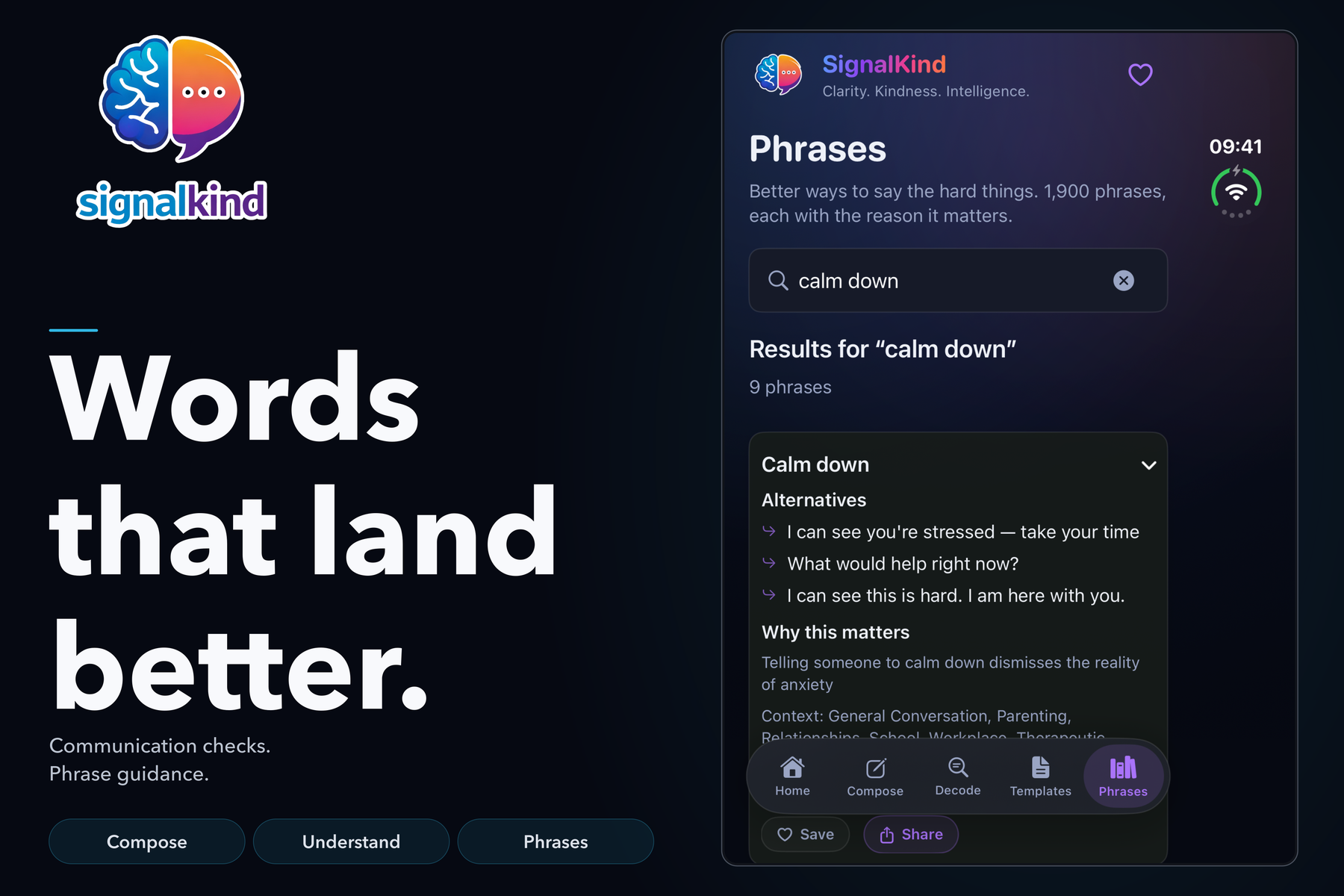
Templates help with requests, boundaries, apologies and messages that are difficult to begin. The phrase guide adds searchable, clearer alternatives.
Use the free keyboard in supported text fields, the share extension and shortcuts. Save or hold a draft when you would rather return to it later.
An illustrative task you can adapt to your own circumstances.
For example: “You still haven’t sent the report. I need it now.” This is invented demonstration text.
Read the wording notes. On a supported device, try a rewrite such as “Please confirm when the report will be ready.”
Copy your chosen wording into the conversation, or save the draft and come back to it. SignalKind does not send messages for you.
Real captured screens, with illustrative entries. Open any image for a larger view.
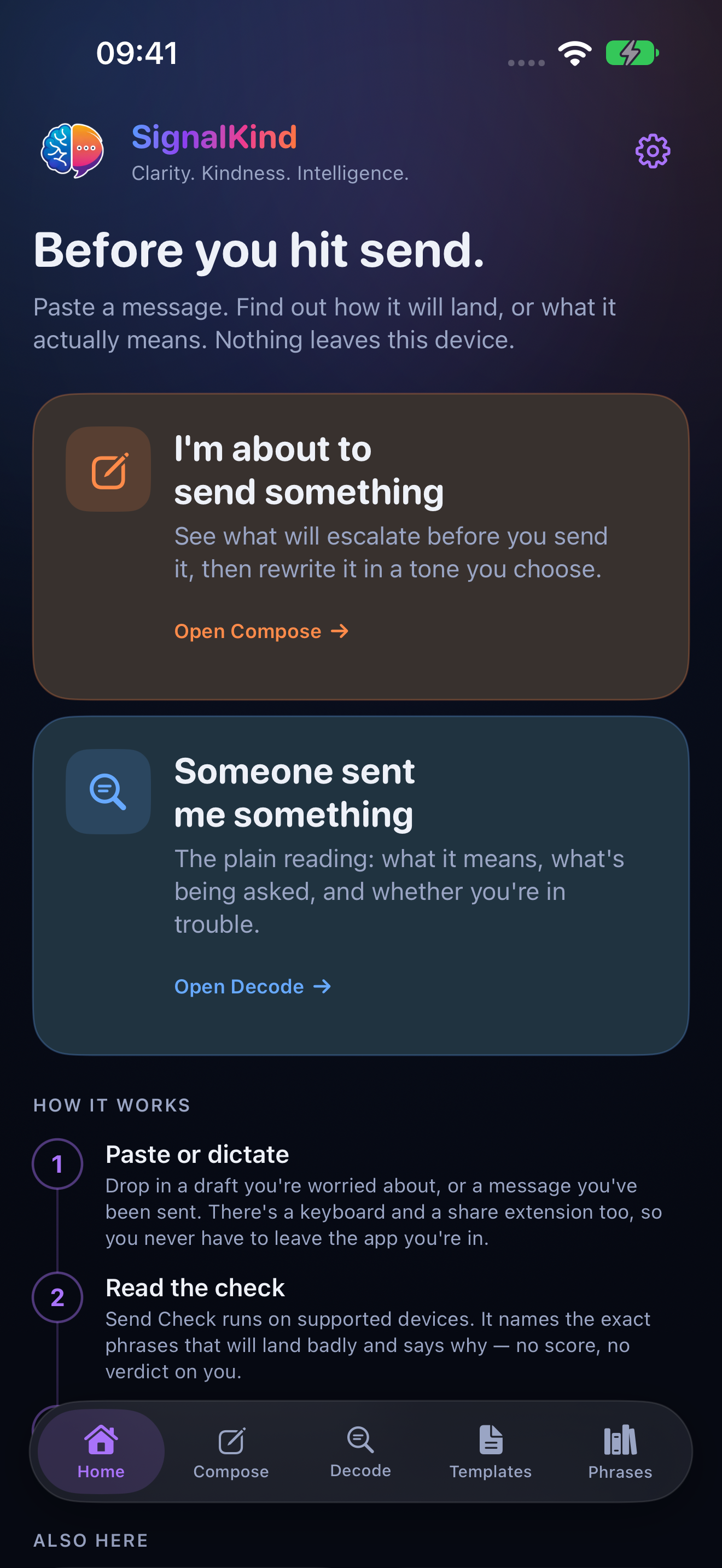
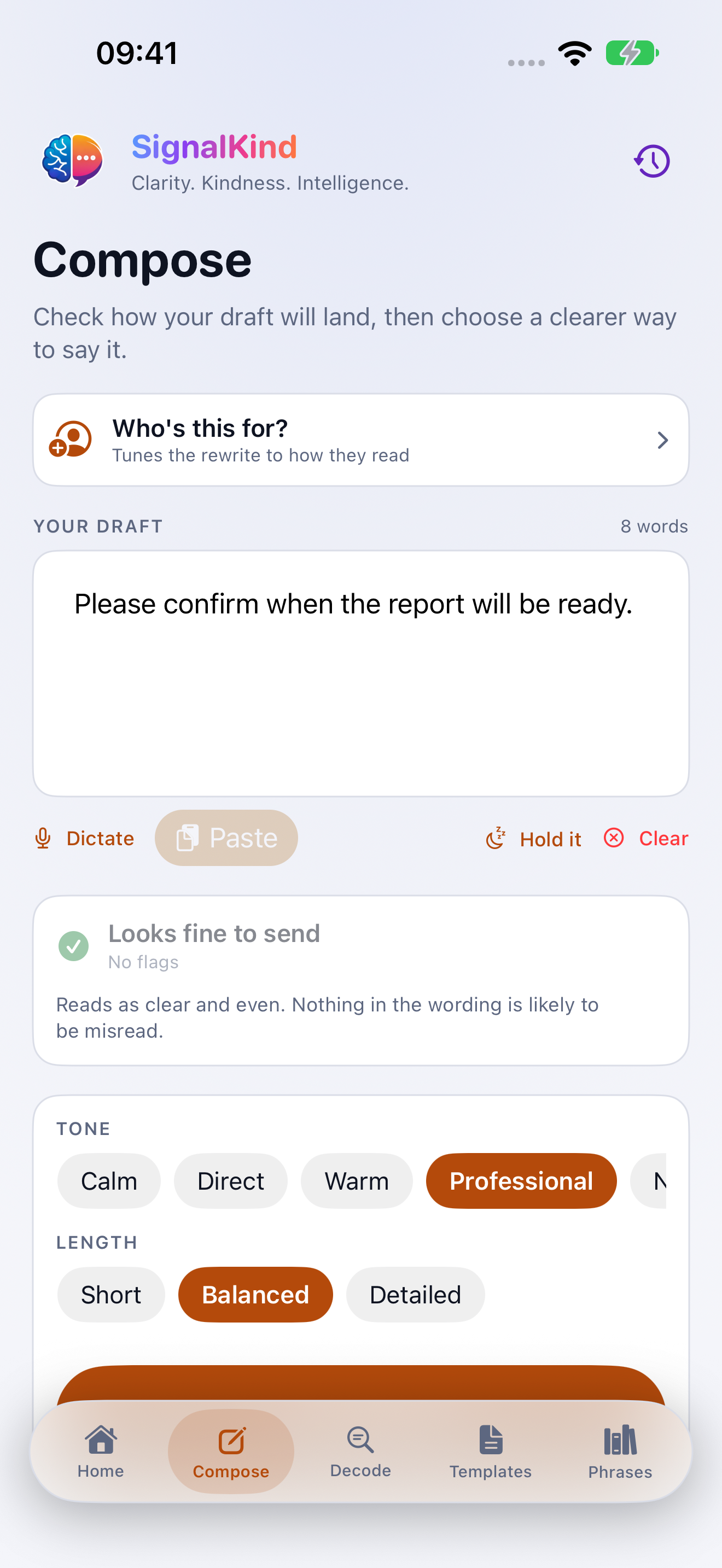
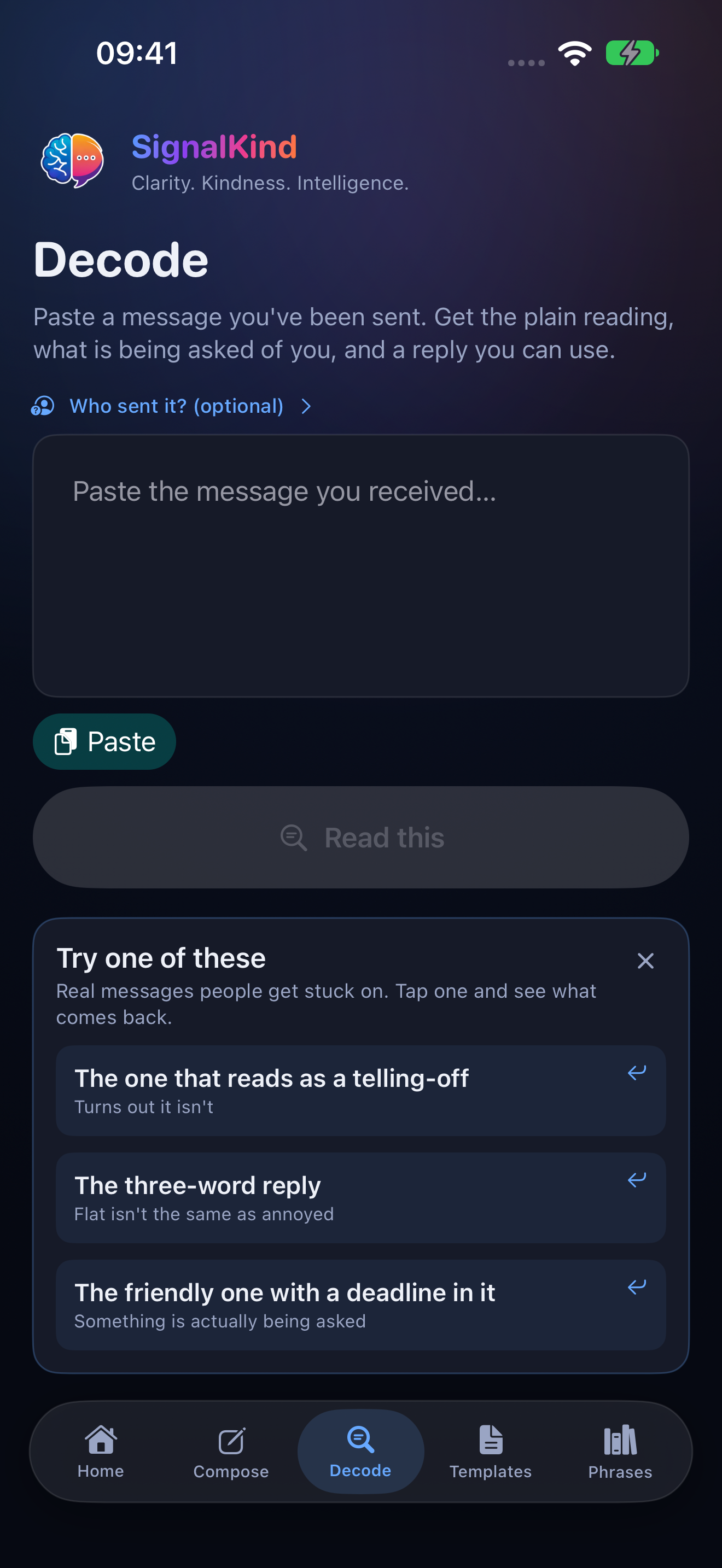
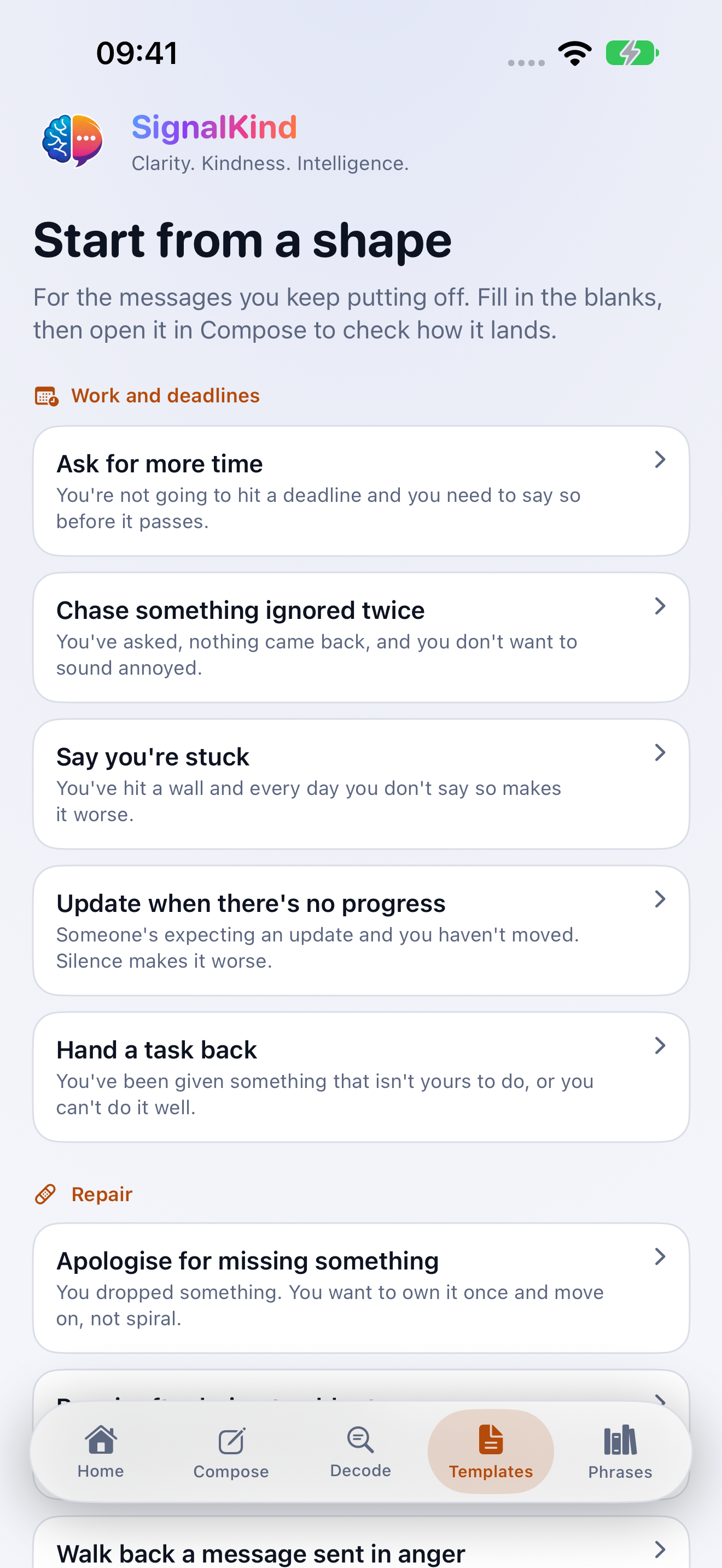
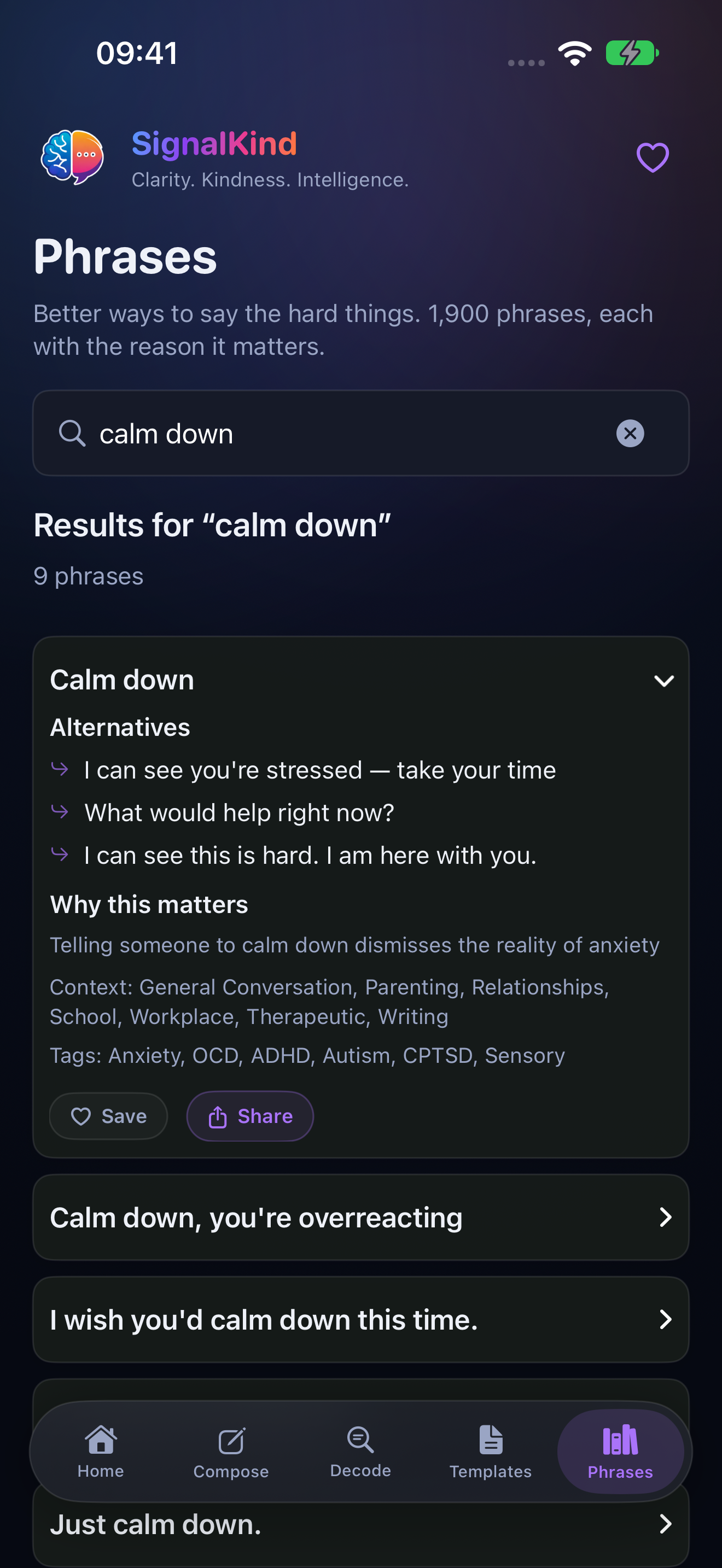
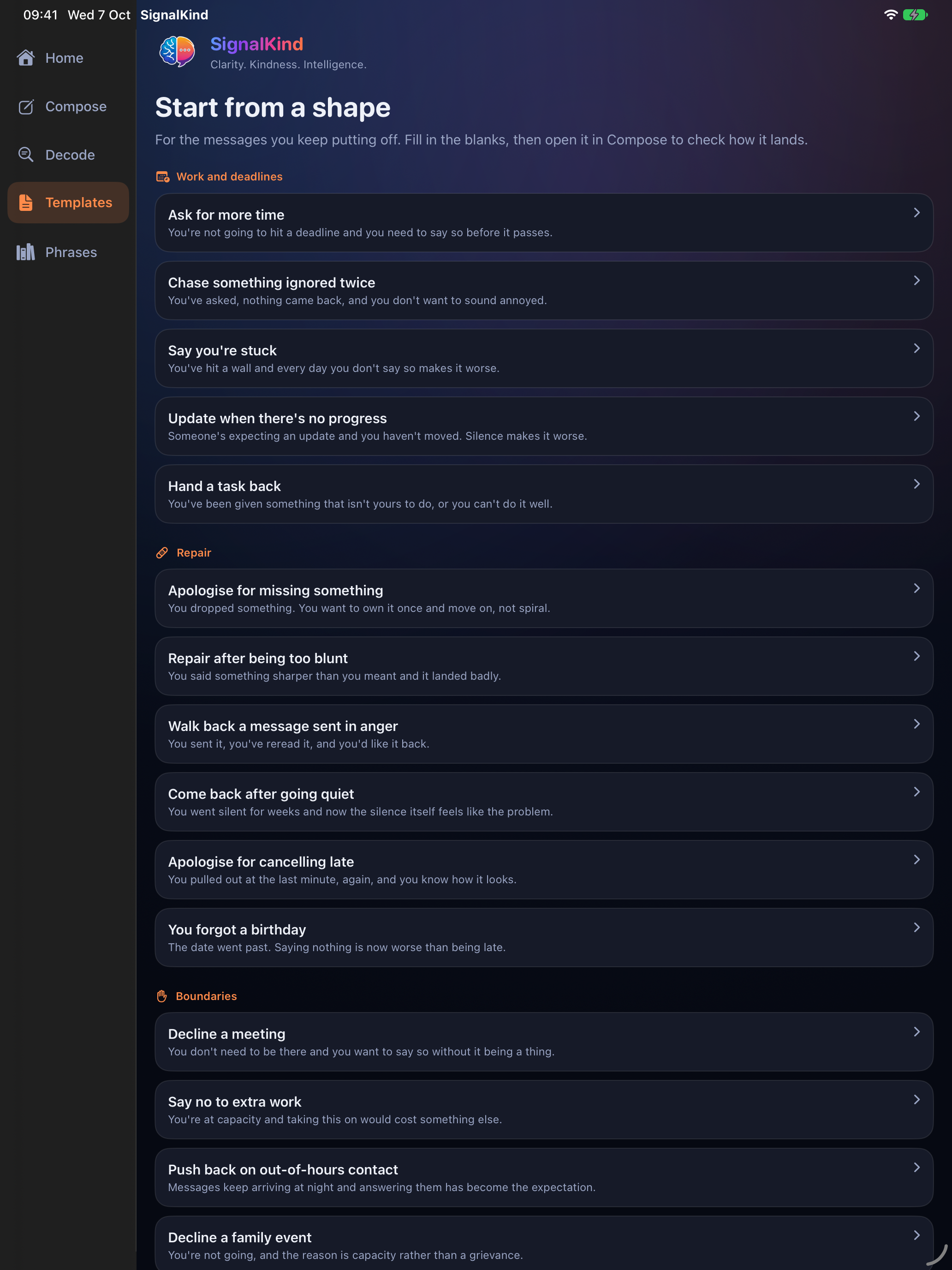
The wide iPad view keeps the navigation at the side.
Open full-size screenshot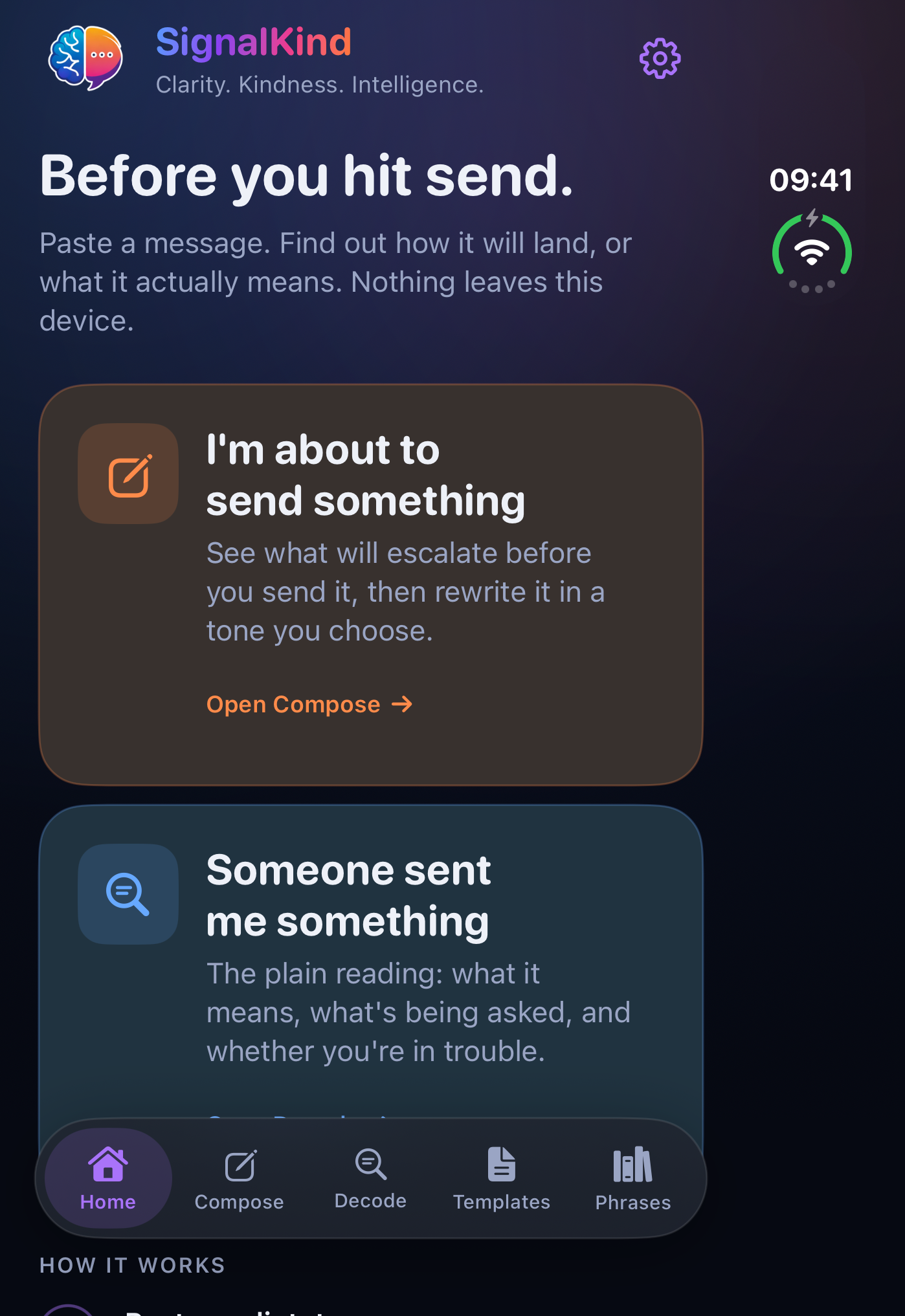
The outer display keeps the navigation along the bottom.
Open full-size screenshotiPhone and iPad with iOS or iPadOS 18 or later. Rewrite and Decode need iOS or iPadOS 26 or later, an eligible Apple Intelligence device, Apple Intelligence enabled and the on-device model ready.
Message checking uses local rules. Supported rewrites and Decode run on the device with Apple Intelligence. The app does not require a SignalKind account or send your messages to a developer server. Saved app history is stored on your device. Copying and sharing happen when you choose them.
The app, share extension and widgets use a shared local container. The keyboard reads the active text field through iOS and does not request Full Access. Keyboard rewrites also depend on device support and available extension memory. Secure fields and some apps may restrict third-party keyboards.
Read Communication privacy details →Choose your App Store country to see its verified purchase options.
Choose your App Store countryOther markets: view the applicable price on the App Store.
Your current location may differ from your Apple Account’s App Store country. Apple’s purchase screen confirms the applicable price and taxes.

The full app has a 14-day access window from first launch. Starting this window does not start a subscription. The keyboard remains free. When full-app access ends, saved History stays available to read and copy.
Monthly and annual subscriptions renew unless cancelled through Apple. The Apple purchase screen confirms the price and terms before you agree.
A lifetime option is being prepared. It is not included here as an available purchase.

Verified country prices checked 7 October 2026. If cost is a barrier, explore free access.
No. Decode offers possible interpretations of the words provided. Context can be missing, and the sender’s intent cannot be known with certainty.
Send Check, templates, the phrase guide and saved drafts work on supported iOS 18 devices. Rewrite and Decode need the eligible Apple Intelligence setup described above.
Yes. The keyboard has ongoing free access, separate from the full app’s 14-day access window and paid subscriptions. Supported devices and text-field restrictions still apply.
Choose a paid app plan to continue full-app access. Starting the local window does not make a purchase. Saved History remains available to read and copy, and the keyboard remains free.
Communication supports communicate with confidence. The other apps serve separate needs in the same life. Start with one, choose another when useful, and purchase each independently.